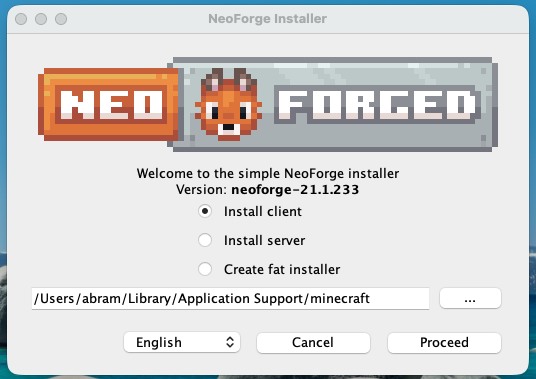
Download NeoForge for Minecraft 1.21.1 to run mods
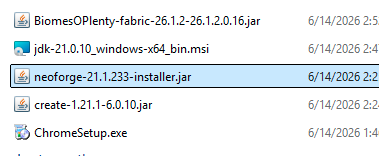
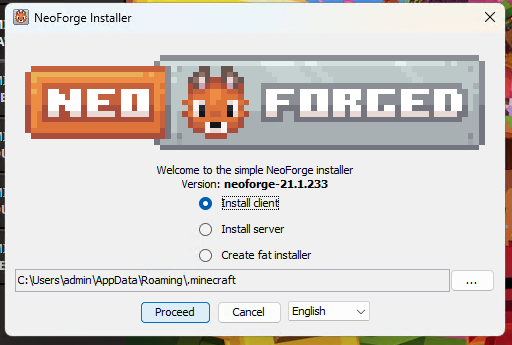
Install NeoForge
Open the Minecraft Launcher and run the NeoForge installation
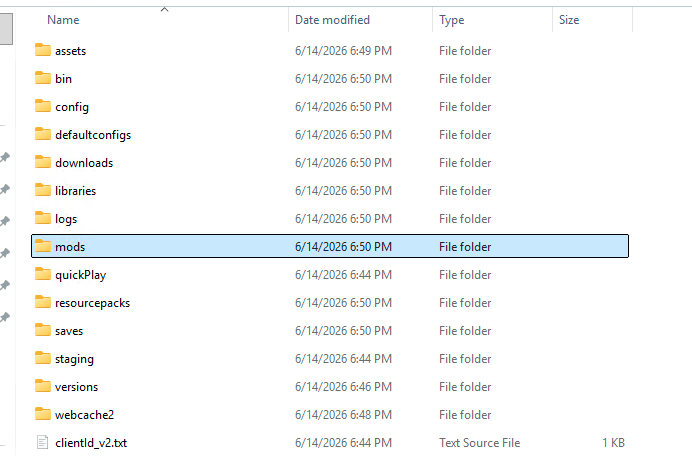
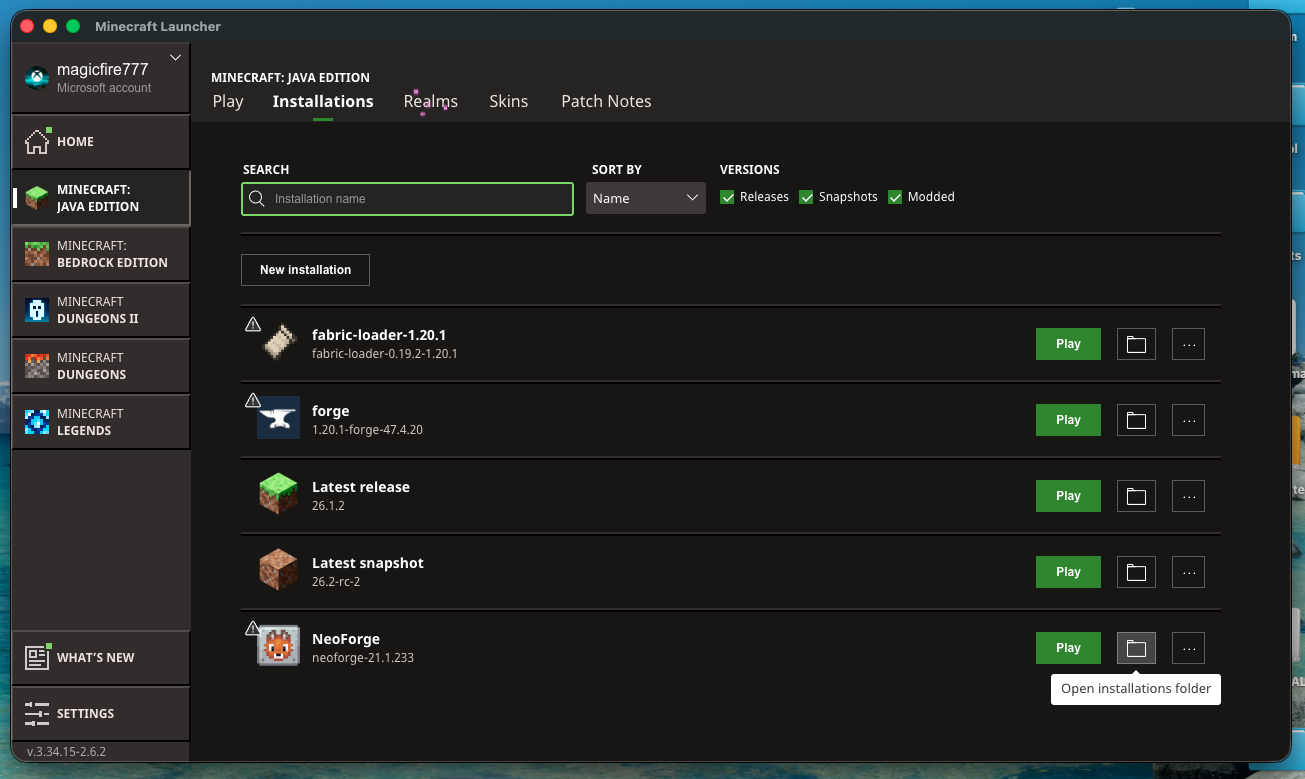
After it has loaded to the menu screen, close Minecraft and go to the installations tab of the Minecraft Launcher and open the installations folder for NeoForge
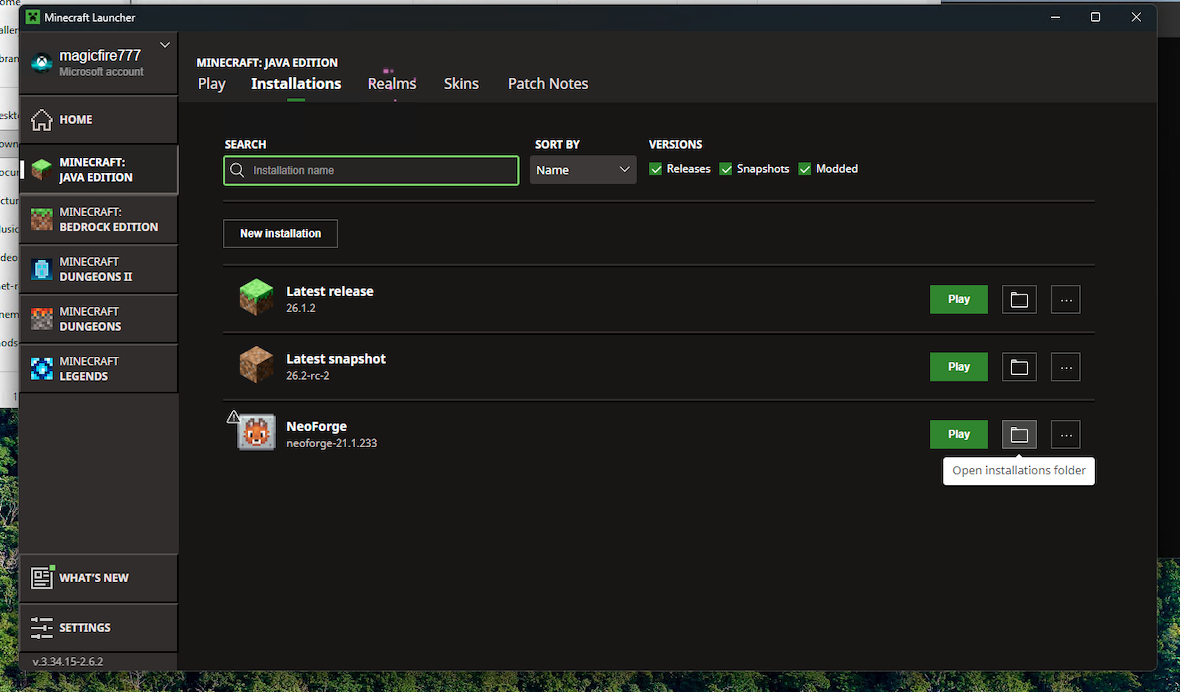
Open the mods folder
Download the server mods from here and unzip the folder
Drag the downloaded mods into the mods folder
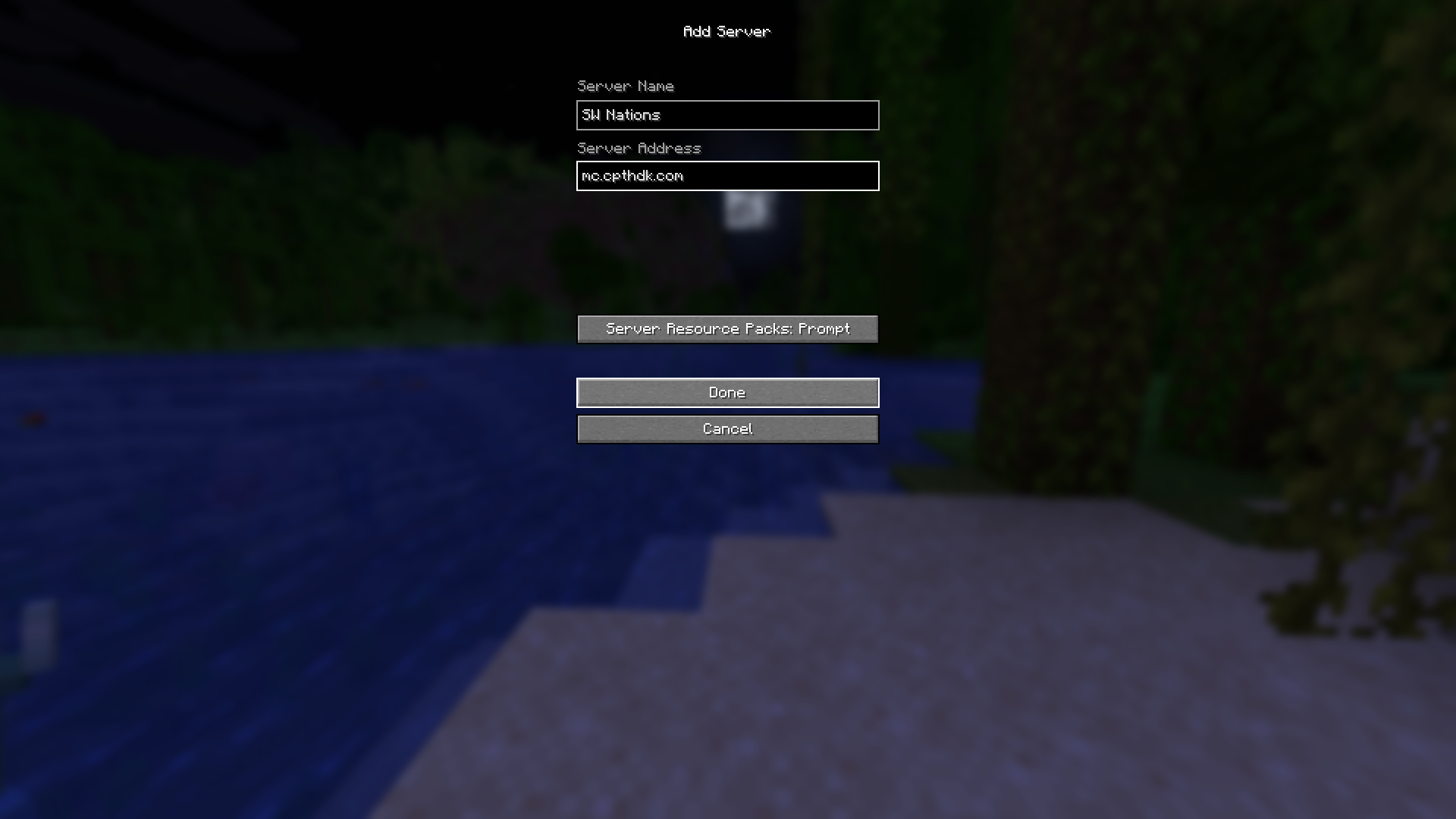
Launch Minecraft and click Multiplayer
Enter the Server IP: mc.cpthdk.com
Download NeoForge for Minecraft 1.21.1 to run mods
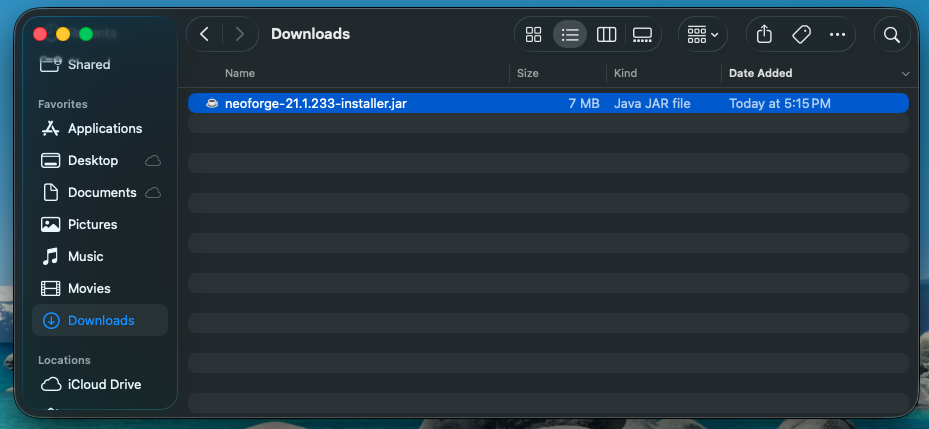
Install NeoForge (macOS might mistakenly flag it as malware so you might need to tinker around in settings to allow it to run)
Open the Minecraft Launcher and run the NeoForge installation
After it has loaded to the menu screen, close Minecraft and go to the installations tab of the Minecraft Launcher and open the installations folder for NeoForge
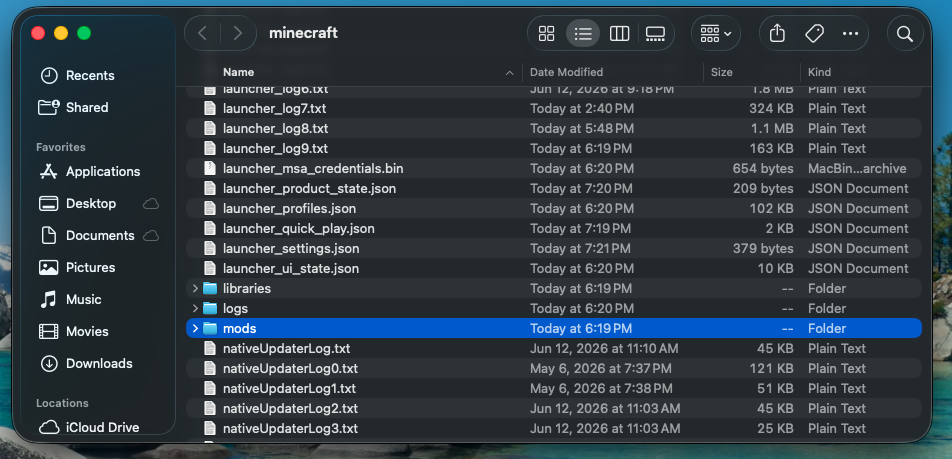
Open the mods folder
Download the server mods from here and unzip the folder
Drag the downloaded mods into the mods folder
Launch Minecraft and click Multiplayer
Enter the Server IP: mc.cpthdk.com